Guides, Calls
Ring the whole team
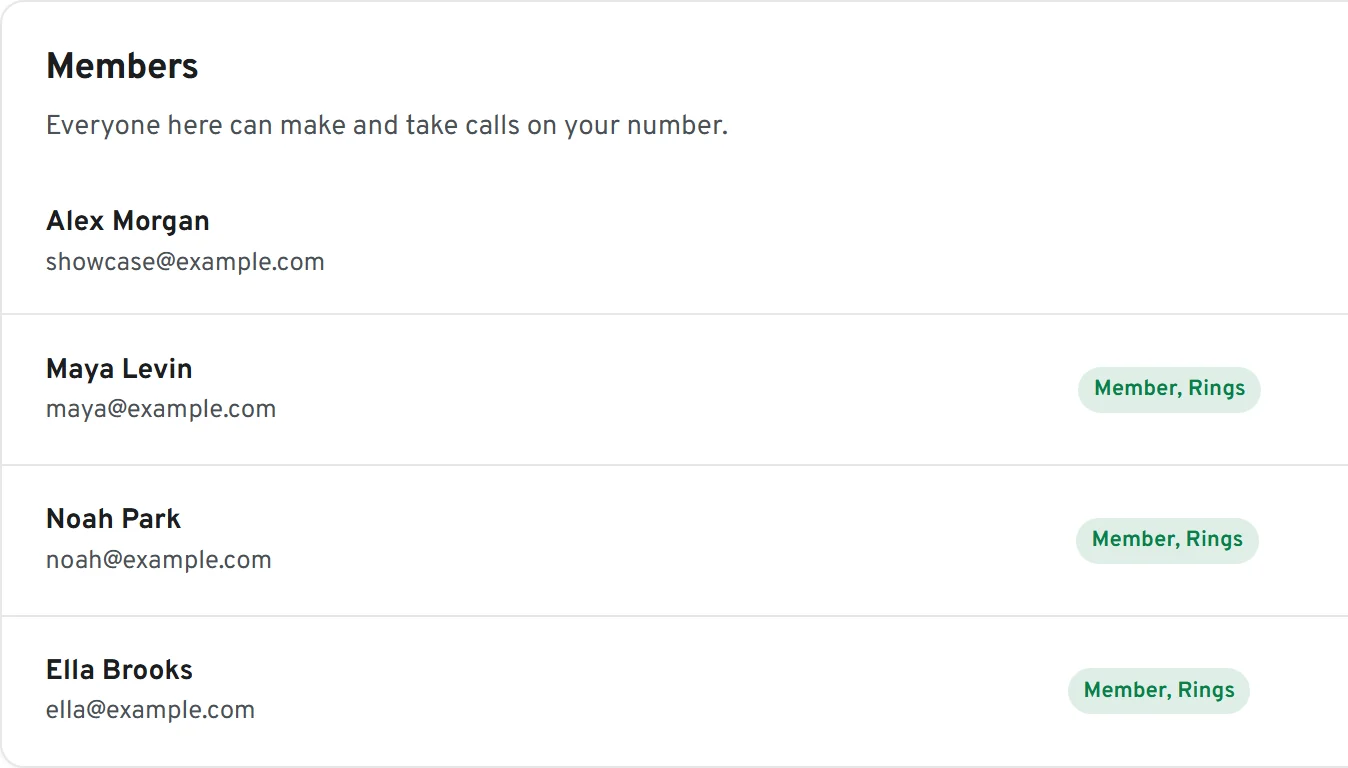
Everyone on your team rings at the same time on every browser they are signed in on. The first person to pick up gets the call, and everyone sees who did.
How to set it up
Invite people
Team, then add their email and choose Member or Admin. Each extra teammate is $5 a month, added to your next invoice.
They accept and sign in
They ring on your number from the moment they accept. Members answer and make calls; admins can also change settings.
Choose who rings
In Settings, Number, People, switch ringing on or off for each person.