Guides, Start
Your first call
dialredphone runs in your browser. Nothing to install, no SIM, no desk phone. The first call takes about five minutes from choosing a number.
How to set it up
Pick your number
Search any US city, state or area code and choose one. It is held for you while you pay with Stripe.
Allow the microphone
Your browser asks once, the first time you call. If you said no by mistake, click the icon left of the address bar and set Microphone to Allow.
Dial
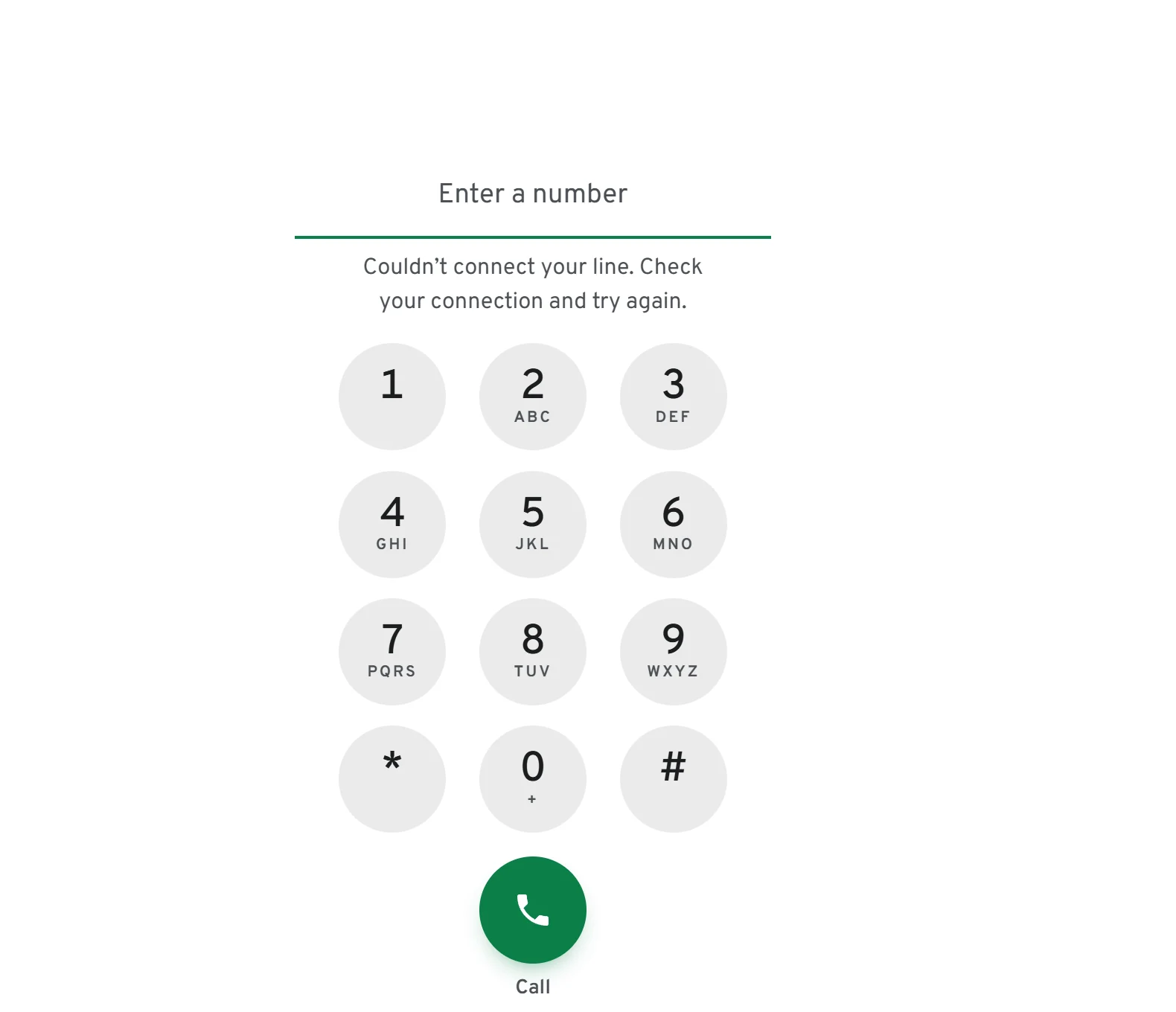
Type the number with the keys or your keyboard and press the green button. US numbers only; calls abroad are switched off on purpose.
Calls ring every browser you are signed in on
Keep one dialredphone tab open and incoming calls ring there. The line under your numbers in the sidebar says whether this browser will ring.
Not for emergencies
dialredphone cannot call 911 yet. Keep a mobile or a landline for emergencies.