Guides, CallsBeta
Business hours and call flow
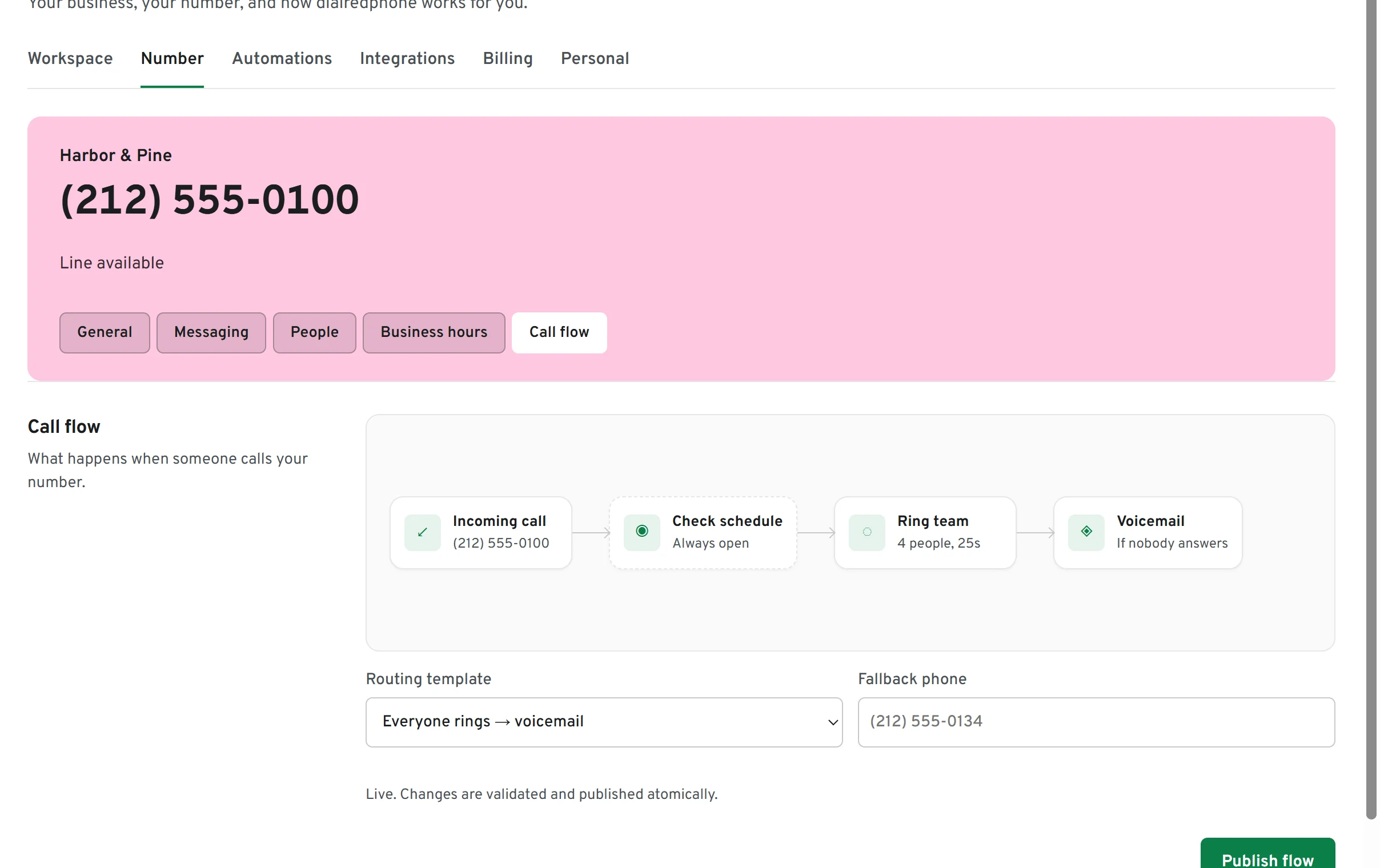
Decide what happens to a call: ring the team, then a mobile you choose if nobody answers, then voicemail. Outside your hours, calls can go straight to voicemail.
How to set it up
Set your hours
Settings, Number, Business hours. Pick the days and times, and the time zone they are in.
Choose a flow
Settings, Number, Call flow. Start from a template (team, then voicemail; team, then a mobile; or by business hours) and add a fallback phone if you want one.
Publish
Publish flow checks it and switches it on. The preview above shows exactly what a caller goes through.
Voicemail
Up to three minutes, kept with the call in your inbox, transcribed on Business. In beta.