Guides, IntegrationsBeta
Log calls to Apollo
On Business and Scale, every finished call is logged to Apollo automatically, matched to the contact by phone number. A call with no matching contact is still logged.
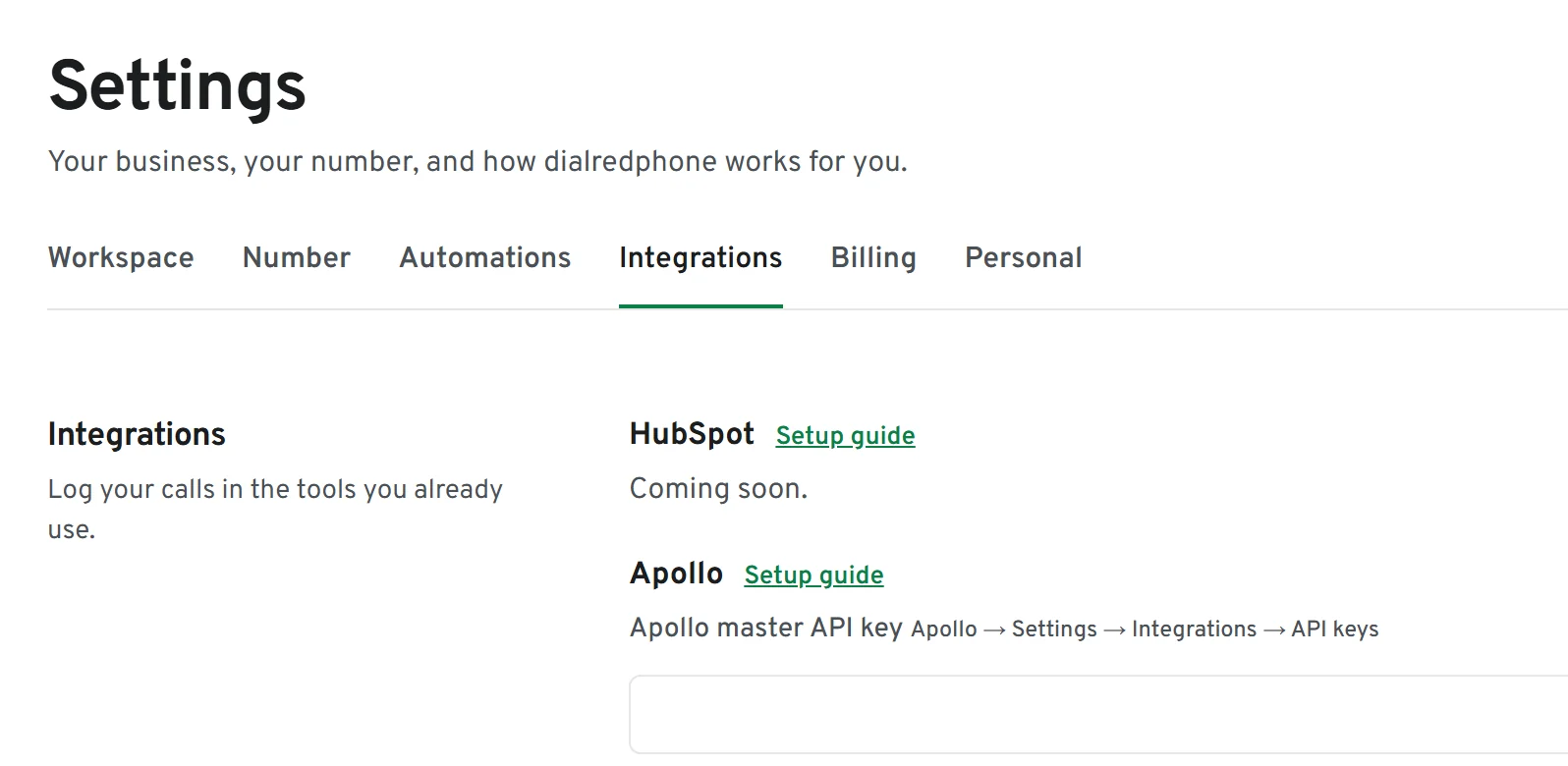
How to set it up
Create a key in Apollo
In Apollo: Settings, Integrations, API keys. Create a master API key and copy it.
Connect it in dialredphone
Settings, Integrations. Paste the key and press Connect Apollo. We check it works before saving it.
Make calls
Each finished call appears in Apollo: incoming or outgoing, when, how long you talked, whether it was answered, who answered or placed it, and a link back to the call in dialredphone.
Not yet
Recordings and AI summaries are not sent to Apollo yet.
Disconnect any time
Settings, Integrations, Disconnect. If Apollo refuses the key, logging pauses and the panel says to reconnect.